

- If you register
mycompany.com, you can use any*.mycompany.comsubdomain to create custom URLs. - If you register
preview.mycompany.com, you can use any*.preview.mycompany.comsubdomain to create custom URLs. - And so on.
preview.mycompany.com is registered in region us-pdx-1, it is not possible to use it in region eu-lon-1 (for example) or any other region.
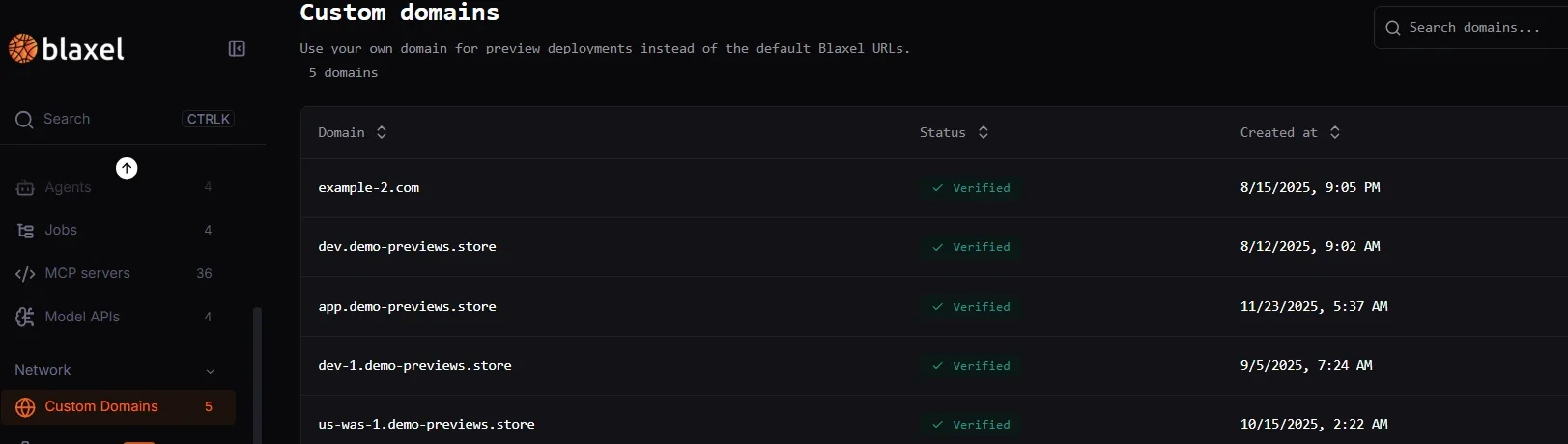
In the Blaxel Console, navigate to Network > Custom Domains in the sidebar and add a new custom domain. Then, you’ll need to configure DNS records with your domain provider. Finally, verify from within Blaxel: after DNS propagation completes, your custom domain will become fully usable.
Share a custom domain
After you verify a preview custom domain, you can share it with another workspace in the same account.- Use a workspace share when one target workspace should get a read-only copy
- Use an account share when every workspace in the account should be able to use the domain
- Create previews from the target workspace after the share is in place
Only verified preview custom domains can be shared.
<prefixUrl>.<domain> host, Blaxel returns 409.
Use a custom domain
Custom domains can currently be used for:- Sandbox previews
- Agents: coming soon!
- MCP servers: coming soon!
Sandbox preview URLs
Create preview URLs and configure fallback routing for custom domains.
Changelog
Review recent platform updates related to custom domains and previews.