

Learn more about authentication on Blaxel
Learn more about authentication on Blaxel
The Blaxel SDK requires two environment variables to authenticate:The Blaxel SDK does not accept credentials as constructor arguments. Credentials must come from environment variables, a
You can create an API key from the Blaxel console. Your workspace name is visible in the URL when you log in to the console (e.g.
app.blaxel.ai/{workspace}).Set them as environment variables or add them to a .env file at the root of your project:.env file, or a local CLI login session (see below).When developing locally, you can also log in to your workspace with Blaxel CLI (as shown above). This allows you to run Blaxel SDK functions that will automatically connect to your workspace without additional setup. When you deploy on Blaxel, authentication is handled automatically — no environment variables needed.In batch
Retrieve from the execution object
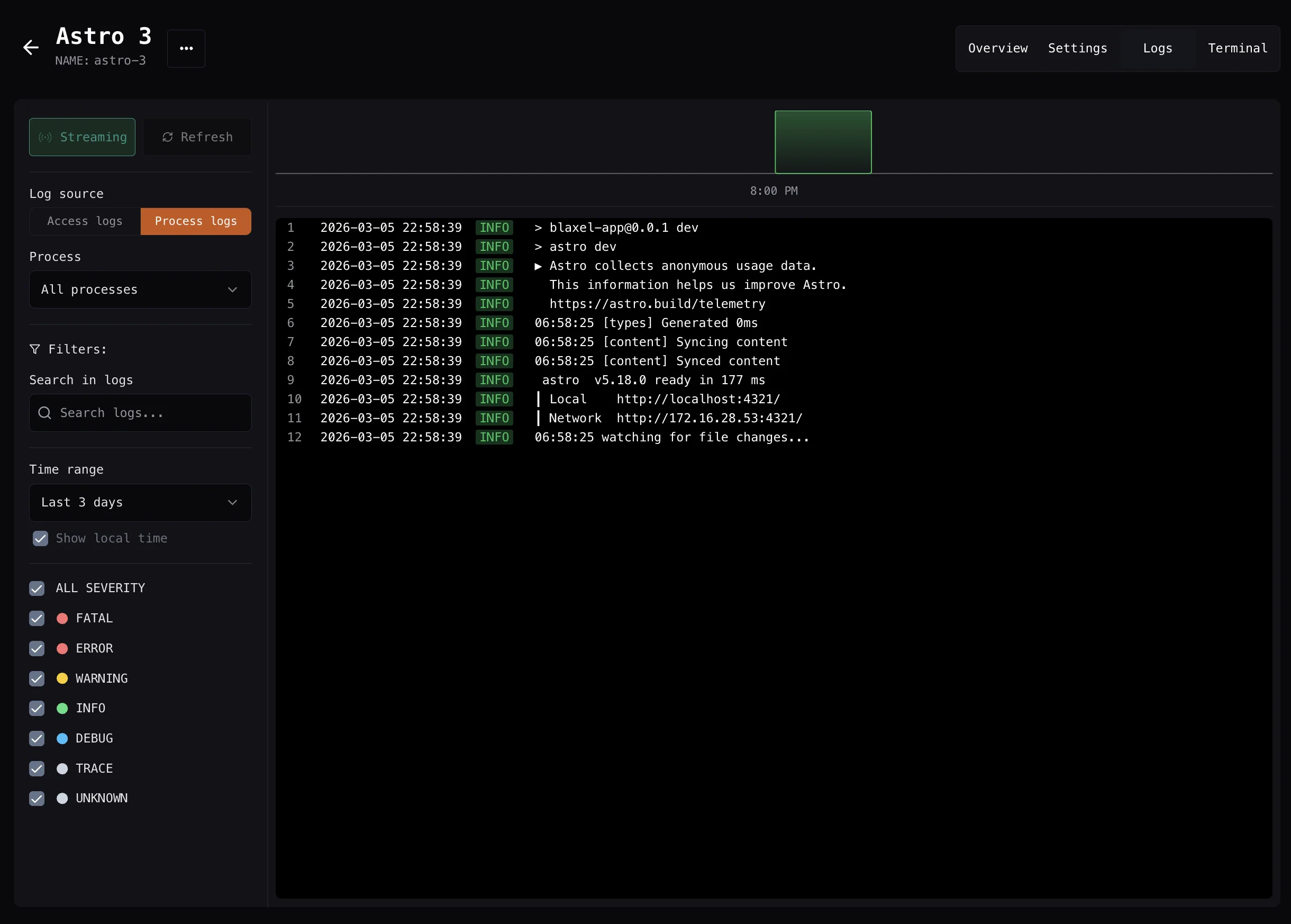
Logs for a process are available in the process execution object if the process is started with thewaitForCompletion: true / "wait_for_completion": True parameter.
Both standard output (stdout) and standard error (stderr) are surfaced. logs holds both, and stdout and stderr hold each one separately:
Retrieve from a completed process name or ID
Retrieve logs for a specific process (using either its name or process ID) after it has completed execution. By default, this retrieves standard output (stdout) only:Streaming
Retrieve via a callback function
The callback handlers receive log entries in real-time as they’re generated by the process:- onLog/on_log: Receives complete log objects with additional metadata